
Solutions · Firearms & range
Stop tracking firearms qualifications in a spreadsheet.
Spreadsheets don't warn you when a qualification is about to expire, don't keep the scores, and don't prove anything later. DutyFile logs every range qualification in seconds and tells you exactly who's current and who's overdue.
The problem
The spreadsheet was never built for this.
- It won't tell you an officer's qualification lapses next week — you have to remember.
- Scores, weapons, and pass/fail results get lost or overwritten.
- One tab per year, one typo, and the history is unreliable.
- When you need proof a qual happened, a spreadsheet cell isn't it.
Log a qualification in seconds — from the range.
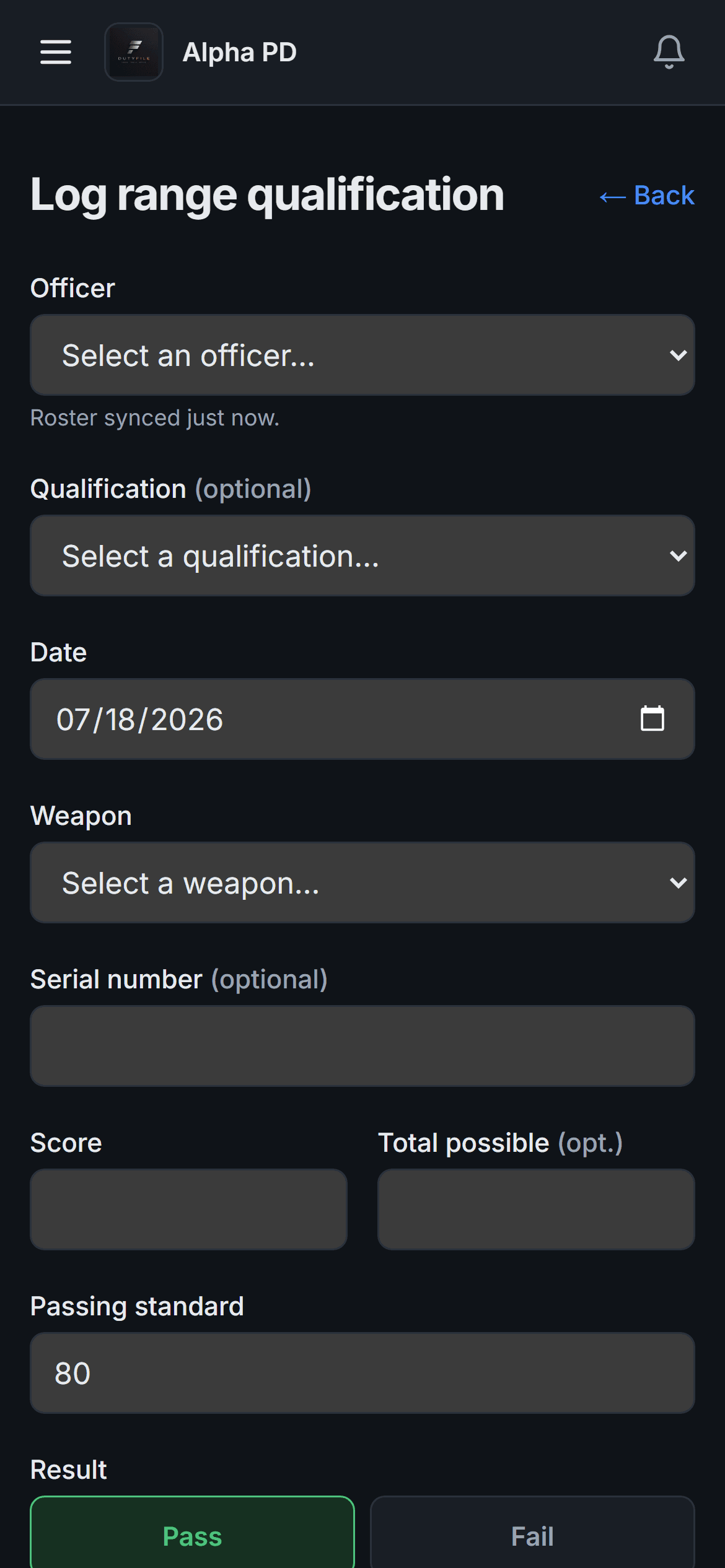
Pick the officer, enter the score, mark pass or fail, snap a photo of the target if you want. It works on a phone with gloves on, and it saves even when the range has no signal — syncing the moment it's back.
Know who's overdue before they're on the schedule.
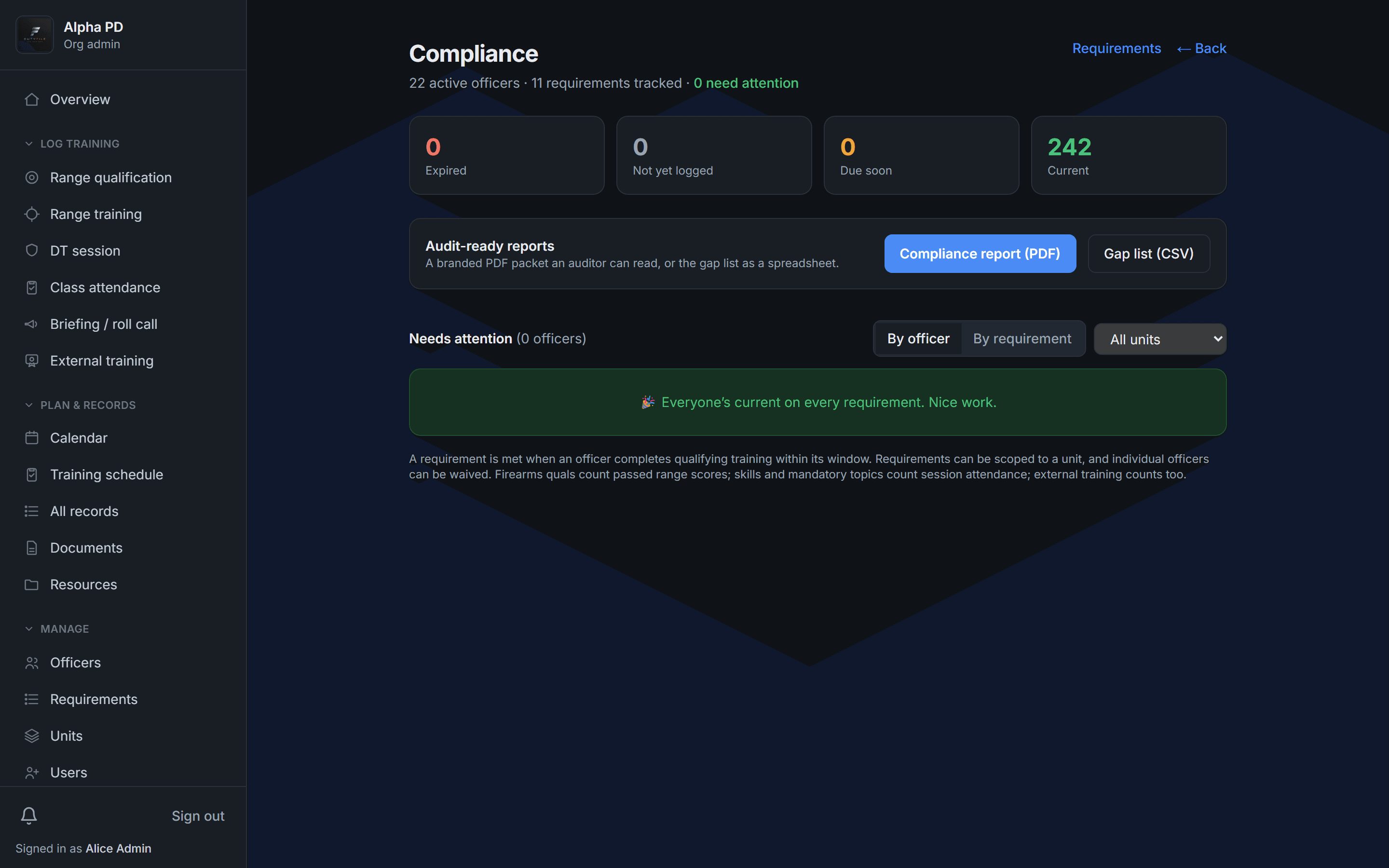
DutyFile tracks every officer's qualification window and flags who's expired and who's due soon — so you fill the range with the people who actually need to be there.
FAQ
Firearms tracking questions, answered.
- Can instructors log qualifications from the range?
- Yes — from a phone, with big touch targets for gloved hands. It even works offline and syncs when signal returns.
- Does it keep scores and pass/fail history?
- Yes. Every qualification stores the weapon, score, passing standard, and result, building a complete history you can export.
- Will it tell me who's about to expire?
- Yes. The compliance view separates expired from due-soon for every officer, so nothing lapses unnoticed.
- Can we set our own passing standard?
- Yes, and you can override it on a case-by-case basis — for example, rounds off paper — with the reason recorded.
Give your training program a record it can stand on.
Start a 14-day free trial today, or book a demo to see DutyFile against your agency’s real workflow.